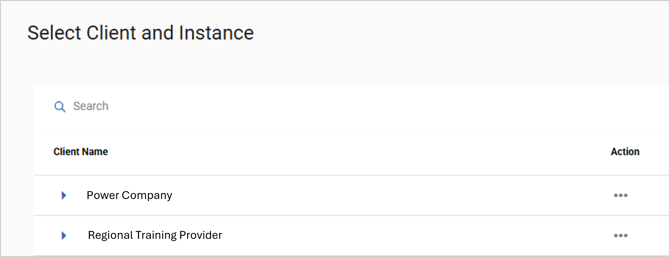
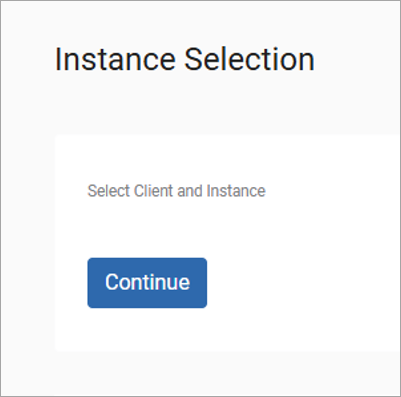
When you log into Qlarity and enter your credentials, you may see an Instance Selection prompt on the Welcome screen.
The Instance Selection prompt is displayed when you are added as an employee to more than one Qlarity database environment. For example, in addition to being a user in your organization’s database, you may be a user who can access the EMP and training assignments from another organization.
To proceed, click the Continue button.
Then select the organization for which you want to log in by clicking its expander arrow, then clicking Select Instance from the Action menu.