Skip to content
  • There are no suggestions because the search field is empty.

Qlarity Customer Support Portal
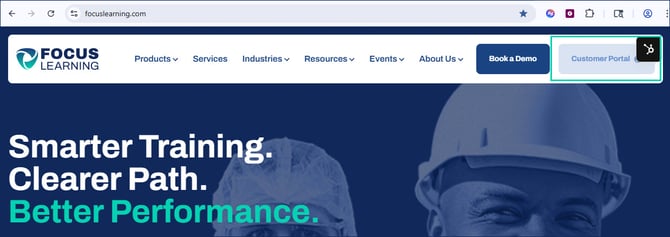
For all Qlarity support and training questions, please use our Customer Support Portal to better assist in tracking your support tickets and training questions. Your organization has been set up with access to this portal, which can be found here:
 

QTD 2.0 Customer Support - Jira Service Management (atlassian.net)

Please use this portal to communicate with our team. We are here to help!

Make a Request

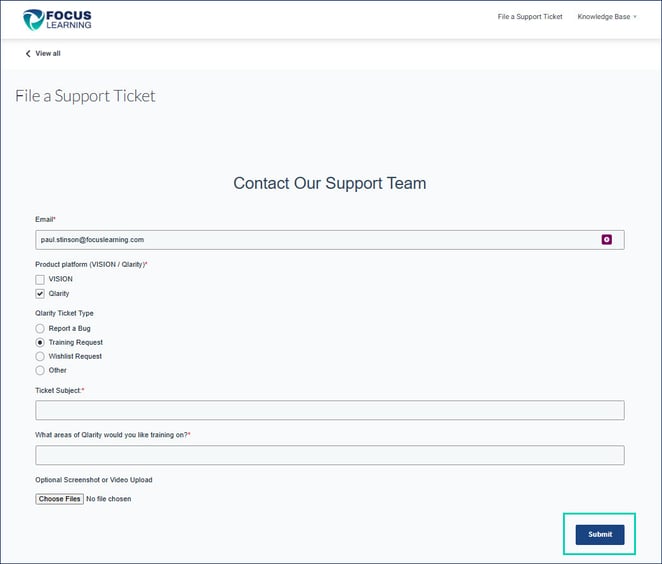
1.  Upon logging into your organization’s Qlarity Customer Support Portal, you will find a list of request categories. Click on the category that best corresponds with your request type.
1-Nov-13-2025-02-56-40-4183-PM


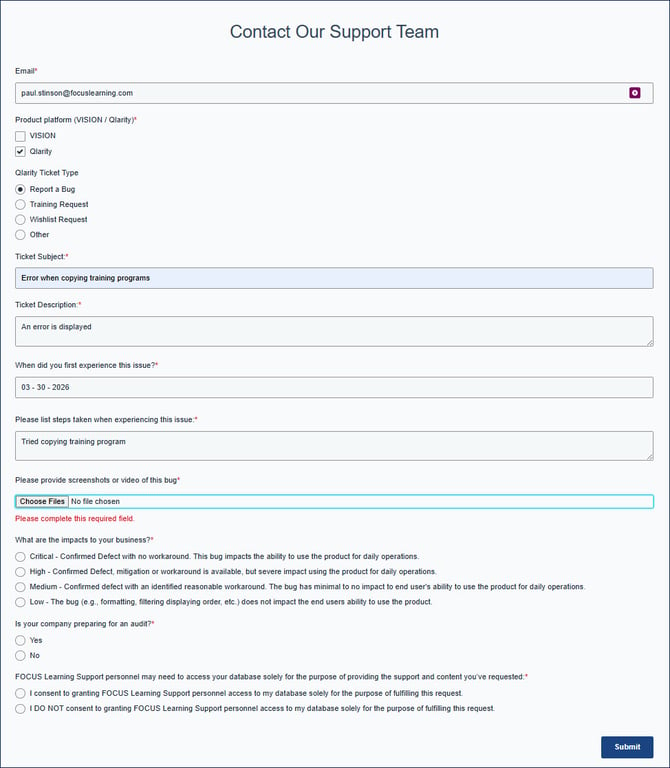
2.  After selecting a category, you will be prompted to fill out a request form. Complete the fields on the screen. When reporting a bug, please provide as much detail as possible and include screenshots and/or video. 

2-Nov-13-2025-02-56-53-4101-PM


3.  As you begin to type in the Summary for the request, suggested articles from the Qlarity Knowledge Base website will appear. To view an article on the related topic, select the article title from the list. Selecting the article will open a new tab in your internet browser.

3-Nov-13-2025-02-57-06-0753-PM
 

View/Manage Existing Requests

1.  Click on Requests. Select one of the following options:

Created by me to just view tickets you submitted

Your organization to see tickets submitted from everyone at your company
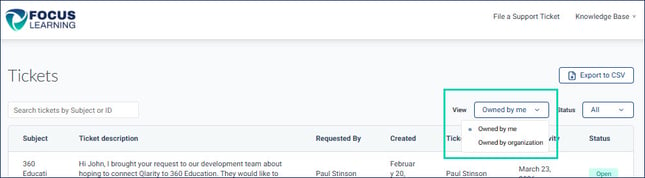
Allto see all of the above tickets (including those submitted on your behalf by QTS)

5-Nov-13-2025-02-57-37-0886-PM


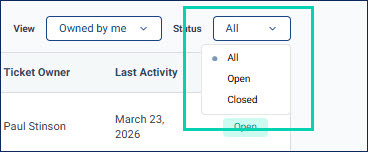
2.  The requests will be displayed here. Use the drop-down menu options at the top of the page to filter the list. Click on a given request (either the Reference or Summary) to view the details.

6-Nov-13-2025-02-57-53-1636-PM


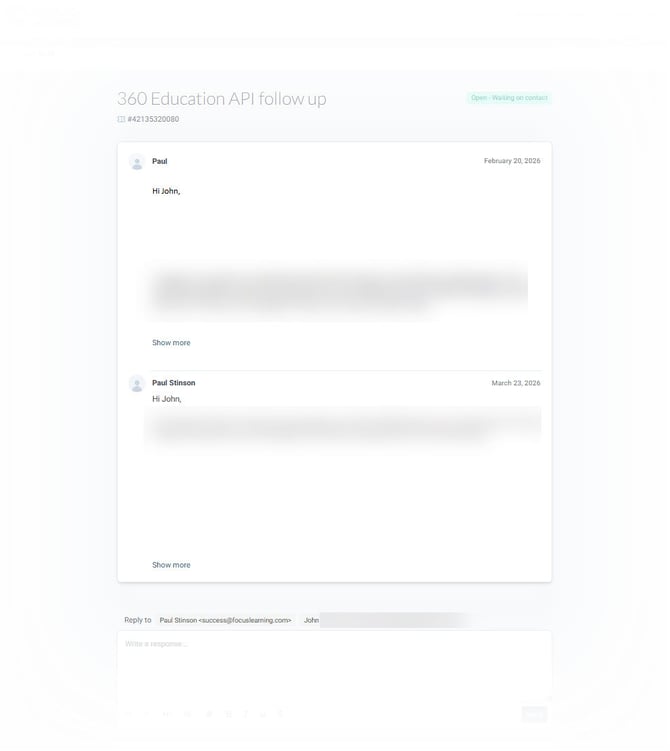
3.  Here you can view the updated status and details of the request, see comments from the Qlarity Support team or other members of your organization, and enter additional comments.
7-Nov-13-2025-02-58-07-1460-PM